Streaming Through a Canadian Winter Storm: Keeping Screens, News and People Safe
Ice and heavy snow can knock out power and internet for hours or days. How to get the household ready before the storm, stay informed while it lasts and get the TV running again afterwards.
· 5 min read
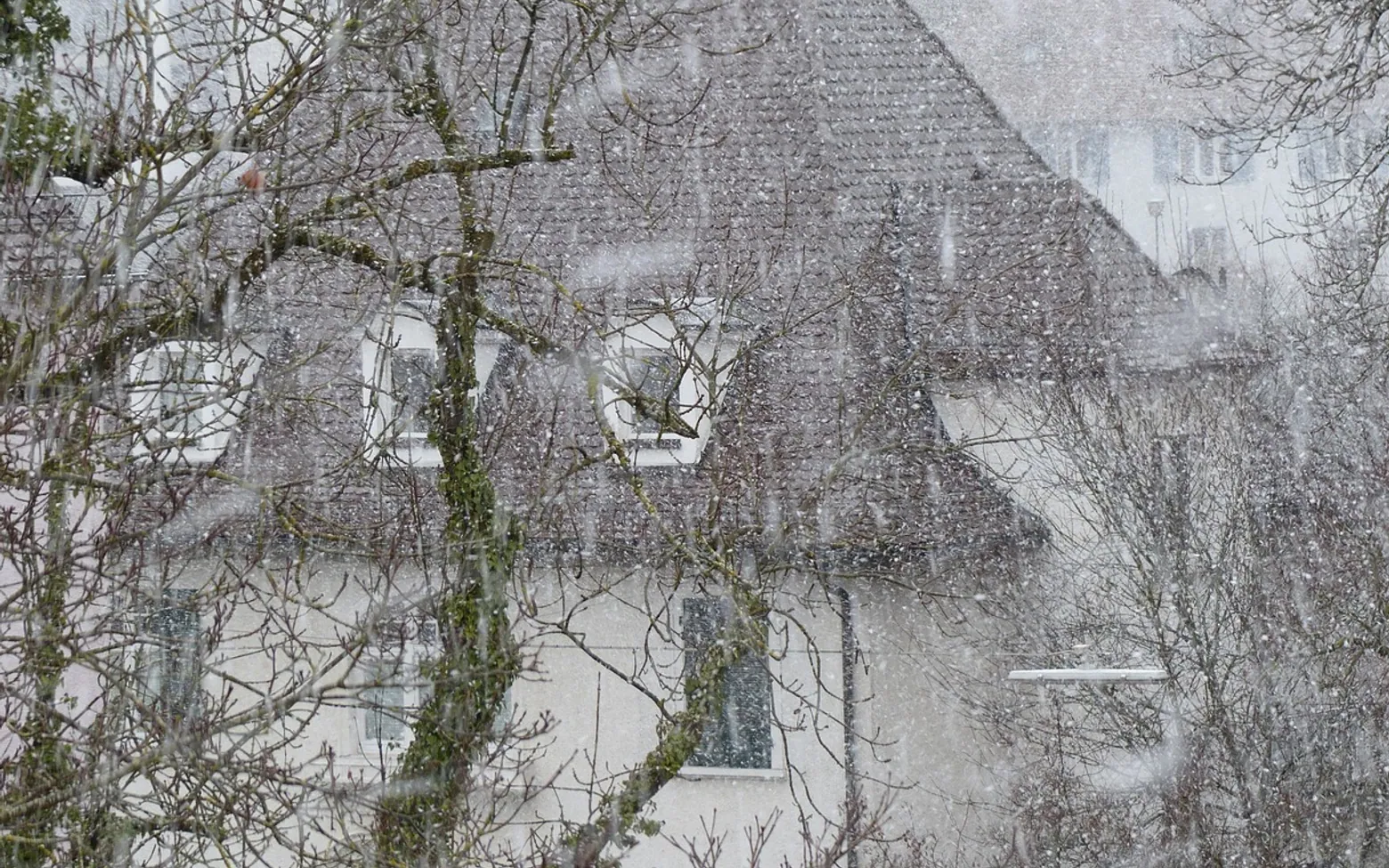
When an ice storm or blizzard rolls in, the television is usually the first thing to go quiet and the last thing anyone should worry about. Power lines sag under ice, poles come down in the wind, and once the electricity fails, the modem and router fail with it. A little preparation keeps some entertainment and, more importantly, a reliable news source going until the lights come back on.
Why storms take the TV down with them
Most home viewing in Canada now depends on several links working at once: electricity in the house, a powered modem and router, the provider's equipment in the neighbourhood and the wider network beyond it. A winter storm can break any of them. Freezing rain coats lines and branches until they snap. Heavy, wet snow does the same to trees near the road. A dark cabinet down the street can cut the internet while your kitchen lights stay on.
Outages also come in different lengths. A flicker that lasts a few seconds is mostly an annoyance that forces the router to restart. A rural outage after a major ice storm can stretch on for days, and that is the scenario worth planning for.
A checklist for the day before the storm
Forecasts usually give a day or two of warning. Use that window for a few calm jobs rather than a last-minute scramble.
- Download, don't stream. Many subscription apps let you save episodes or films to a tablet or phone for offline viewing. Pick a few for the children and a few for yourself while the connection is still strong.
- Charge everything. Phones, tablets, laptops and power banks should all be full. Keep the power banks somewhere you can find them in the dark.
- Find the radio. A battery or wind-up radio is the most dependable way to hear local news once screens are off. Check that it works and that you have spare batteries.
- Think about the router. A small uninterruptible power supply (UPS) can keep a modem and router running for a while during a short outage. It will not help if the neighbourhood network is down, but it smooths over brief cuts.
- Protect the electronics. Power can return with a surge. Plugging the TV and router into proper protection is sensible; our guide to what a surge protector does and when a home needs one explains the difference between a plain power bar and real protection.
- Write down key numbers. Your electricity utility's outage line and your internet provider's support number are easier to find on paper than on a dying phone.
During the outage: stay informed, stay safe
Once the power goes, the priority shifts from entertainment to information. Local radio, official emergency alerts on your phone and your utility's outage updates tell you how widespread the problem is and how long it may last. Check them at set times rather than constantly, so the phone battery lasts.
Can mobile data stand in for home internet?
For a short time, yes, with care. Turning your phone into a hotspot can bring a tablet or laptop back online, but video uses a lot of data and drains the phone quickly. Mobile networks also get busy during storms, when everyone in the area is doing the same thing. Keep mobile data for news, messages and checking on neighbours, and lower the video quality in any app you do use.
What about running a generator?
Safety comes before any screen. Never run a generator, barbecue, camp stove or any fuel-burning heater inside the house, garage or a partly enclosed space: carbon monoxide builds up without warning. Keep a generator outdoors and well away from doors, windows and vents, follow the maker's instructions, and make sure your carbon monoxide alarms have working batteries. Candles are best avoided; battery lanterns and headlamps are safer around children and pets.
Sharing the evening without a screen
Long outages are easier when the household has a plan for the dark hours. Board games, cards, a jigsaw by lantern light or reading aloud fill the time and save batteries for what matters. Downloaded shows work well as a treat at a set hour rather than as background noise. Keep everyone in one well-insulated room to hold warmth, and close doors to unused rooms. If the house is cooling fast, our notes on how to winterize a house cover draught-proofing and other steps that help a home keep its heat.
When the power comes back
Restoration often happens in stages, and electronics prefer a gentle restart. Bring things back in roughly this sequence:
- Wait a few minutes after the power returns in case it drops again.
- Switch on the modem first and give it time to connect fully, then the router.
- Turn on the TV, streaming box or set-top box last, and let it look for updates.
- If a channel list or app looks empty, sign out and back in, or restart the device once more.
- If the internet still will not connect while neighbours are back online, call your provider and describe what the lights on the modem are doing.
Live channels delivered over the internet return as soon as the connection does. Plenty of Canadian households that watch live TV this way compare canadian iptv options before winter, so it helps to know how your own service reconnects and where its settings live before a storm forces the question.
Is it worth checking the equipment afterwards?
Yes. Look for any device that will not power on, smells of burning or keeps rebooting, and unplug it. Check that cables at the back of the TV and router are still firmly seated, since people tend to move things around in the dark. Replace batteries used in remotes, radios and alarms so the kit is ready for the next storm.
A short plan beats a long outage
Winter storms are part of life in much of Canada, and a dark screen is a minor problem next to staying warm and safe. Charged devices, a few downloads, a working radio and a clear rule about generators cover most of what a household needs. When the power returns, a patient restart in the right order usually brings the evening news and the favourite channels back without any fuss.
Small jobs
Little habits that save a cold morning
Five-minute things that pay back all winter.
Tag the shut-off valve
A bright label on the main water valve saves precious minutes if a pipe ever splits.
Keep a torch by the back door
Fetching logs or checking the yard after dark is easier and safer with a light to hand.
Note the box’s model number
When a streaming box misbehaves, the model number takes you to the right help page much faster.
Wipe the pan while it is warm
Cast iron cleans easiest straight after supper, before anything has had time to set hard.
Something to add?
We read every message.